Organizer Preferences
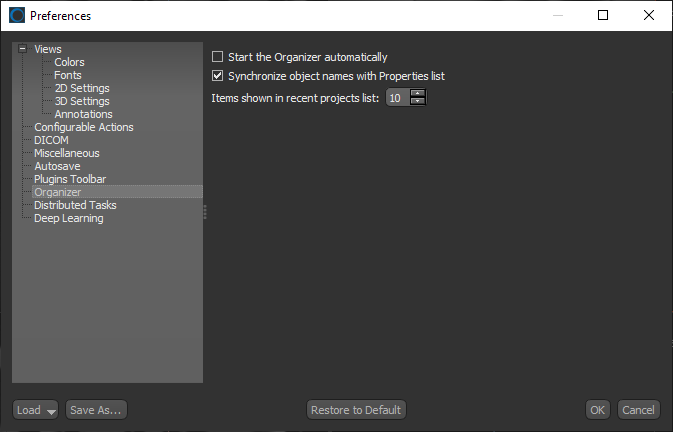
The Organizer preferences let you choose a number of settings for Dragonfly's Organizer. Choose Organizer in the Preferences dialog to open the Organizer preferences, shown below.
Organizer preferences
|
|
Description |
|---|---|
|
Start the Organizer automatically |
If selected, the Organizer will appear automatically when the application is launched. |
|
Synchronize objects names with Properties list |
If selected, changes made to the name of an item that was loaded from the Organizer will be updated automatically. |
|
Items shown in recent projects list |
Lets you choose the maximum number of items that will be listed in Recent list on the left sidebar of the Organizer. |

 PRODUCT INFORMATION
